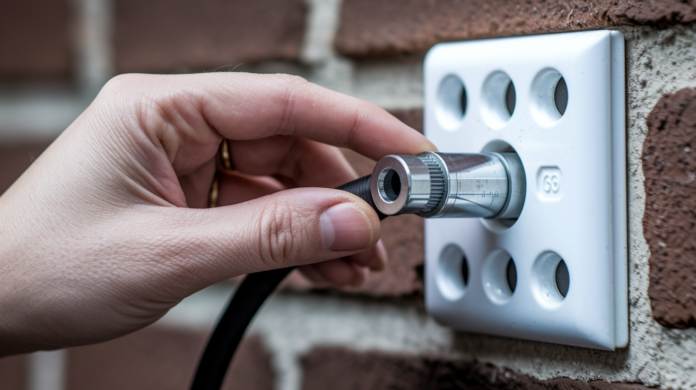

You just moved into your apartment, you’re ready to set up internet, and the coax outlet is completely dead. No signal, no lights on the modem, nothing. Before you assume the worst and wait days for a technician, there are quick checks that solve the problem in under ten minutes. Most coax outlet failures come down to loose connections, damaged cable ends, or inactive service, not mysterious wiring disasters. This guide walks you through the exact troubleshooting steps that separate simple fixes you can handle right now from building infrastructure problems that need your landlord’s attention.
Diagnosing Why Your Apartment Coax Outlet Has No Signal
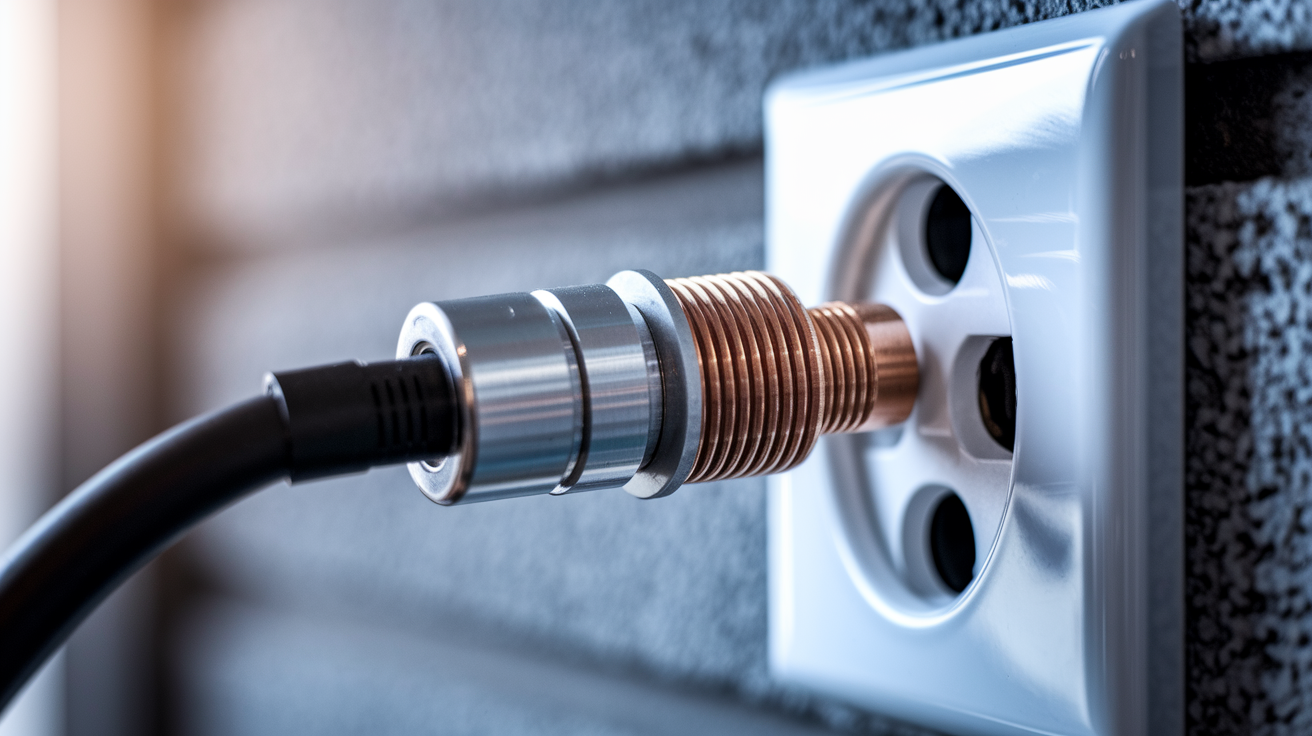
When your TV displays a “no signal” message or your cable modem refuses to light up, the coax outlet is usually the first place to look. These symptoms mean somewhere between the cable provider’s feed and your device, the connection broke down.
Effective troubleshooting moves from the simplest checks to the more complex ones. Start with what you can see and touch, then move toward testing the signal itself. This approach saves time and helps you figure out whether you’re dealing with a loose connection you can fix in two minutes or a building wiring problem that needs your landlord’s attention.
-
Verify your device works by testing on another outlet. If you’ve got multiple coax outlets in your apartment, unscrew your modem or TV and connect it to a different outlet you know works. If the device functions there, the problem’s the original outlet, not your equipment.
-
Inspect the wall plate and F-connector for damage. Look closely at where the coax cable screws into the wall outlet. Check for cracks in the wall plate, bent metal threading, or anything that looks physically broken from furniture bumps or previous installations.
-
Unscrew and hand-tighten the F-connector. Remove the cable from the wall outlet completely, then thread it back on by hand until snug. Do the same where the cable connects to your modem or TV. Loose connections are surprisingly common and surprisingly easy to fix.
-
Inspect the center conductor for damage. The thin copper wire that sticks out from the center of the cable end should be straight and about 1/4 inch long. If it’s bent sideways, pushed back into the cable, or looks corroded, that’s your problem.
-
Check modem lights against manufacturer specs. Your cable modem should display specific indicator lights: power (solid), downstream (blinking then solid), upstream (blinking then solid), and online (solid). If lights stay off or blink continuously, the modem isn’t receiving proper signal.
-
Disconnect splitters temporarily. If you’re using a coax splitter to feed multiple devices, unscrew it and connect your modem directly to the wall outlet. Faulty splitters or too many splits can weaken signal below usable levels.
-
Confirm you’re using RG6 cable. Look at the text printed on the cable jacket. It should say “RG6.” Older RG59 cable can’t handle modern cable internet frequencies and causes connection failures that look like outlet problems.
-
Power cycle your modem completely. Unplug the modem from power for 30 seconds, not just 5. This clears the modem’s memory and forces a fresh connection attempt when you plug it back in.
Modem setup lights tell a specific story about where the connection process stops. The power light confirms electricity. The downstream light means the modem’s receiving signal from the cable provider. The upstream light shows the modem can send data back to the provider. The online light means full two-way communication is working. If lights stop progressing at downstream, the problem’s incoming signal. If they stop at upstream, the return path has issues.
Safety matters here. Don’t pry open wall plates that require tools or try to access wiring inside the wall. Don’t place cable connections near electrical panels or behind appliances where electromagnetic interference disrupts signal.
Two methods exist for testing outlet signal. The slow approach involves connecting your modem and waiting 10 to 15 minutes to see if it achieves full sync and gets online. The fast method uses a coax cable tester like the DSS-01 that detects the specific signal frequency range in under 10 seconds with a simple LED indicator. The DSS-01 plugs into the outlet, tests for valid cable internet frequencies, and shows green for good signal or red for no signal.
Multimeter testing and generic voltage testers won’t help here. Those tools detect electrical voltage on the coax wiring, but cable internet doesn’t work through voltage. It operates through specific radio frequency ranges that require specialized detection equipment. A multimeter might show voltage and give you false confidence that the outlet works when it actually has no internet signal.
This systematic approach separates problems you can handle from problems that need outside help. If you’ve tightened connections, tested cables, and confirmed your device works elsewhere, but still get no signal from a specific outlet, the issue’s either service activation, building wiring behind the wall, or the cable provider’s feed to your building. At that point, you’ve done your part and it’s time to involve your landlord or cable company.
Root Causes of Coax Outlet Failures in Apartments
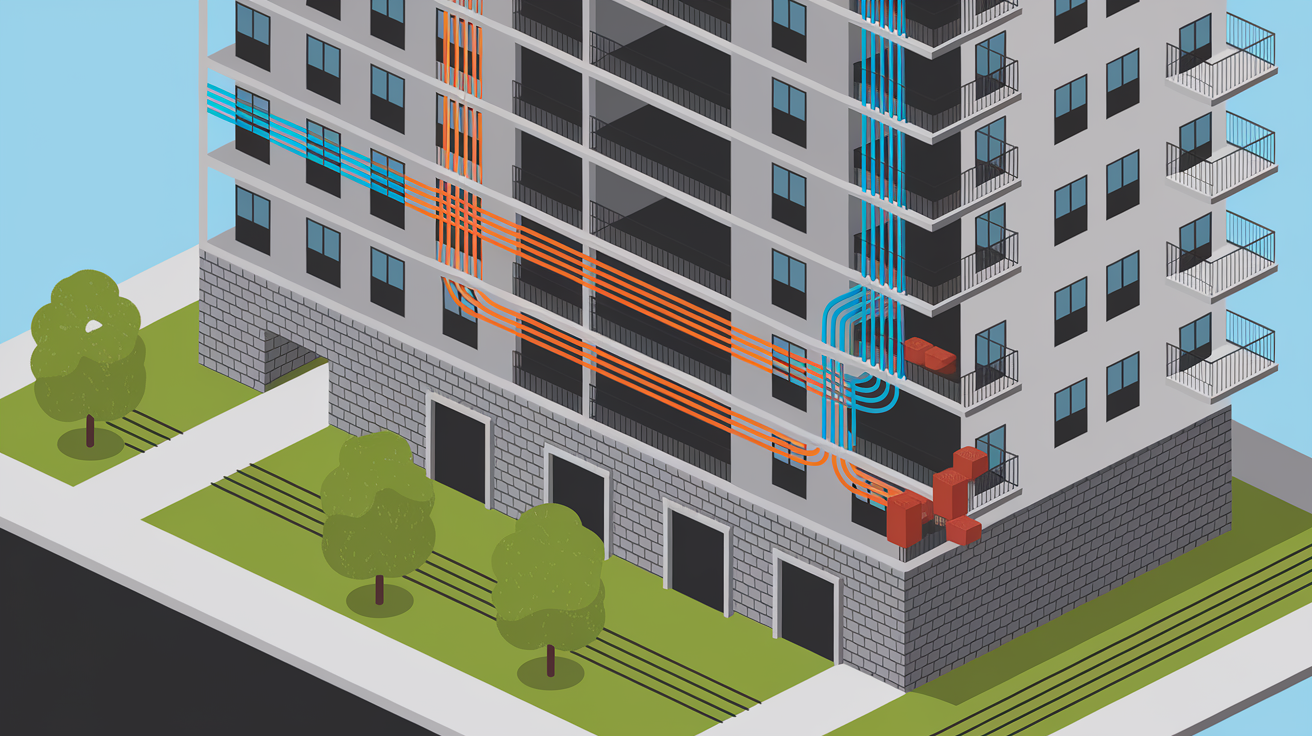
Coax outlet problems range from obvious issues you can spot in 30 seconds to hidden infrastructure failures buried inside walls or locked utility closets. Understanding the full range helps set realistic expectations about what you can fix versus what requires building access and professional repair.
Loose or improperly seated F-connector at the wall plate. The threaded connector wasn’t screwed on completely or has worked itself loose over time from cable movement.
Damaged center conductor or shielding on the cable. The thin copper wire bent, corroded, or the outer metal shielding separated from rough handling.
Corroded connections from moisture exposure. Water from roof leaks, plumbing problems, or high humidity created rust on connection points.
Physical damage to wall plate from furniture or moving. Dressers, beds, or moving dollies cracked the plastic housing or bent the metal connector threads.
Service not activated by previous tenant or provider. The outlet exists but the cable company turned off signal to that outlet when the last person moved out.
Faulty splitter inside the unit. The device dividing signal to multiple outlets failed or has loose internal connections.
Disconnected cable at central distribution panel. The cable feeding your apartment was unplugged or removed at the building’s main distribution point in a utility room or basement.
Failed or corroded splitter in building distribution system. The main splitter dividing building signal to all apartments stopped working or rusted through.
Cable cut or damaged during previous renovations. Someone doing painting, drywall work, or other repairs accidentally severed the cable behind the wall.
Improper cable termination at connection points. The F-connector wasn’t installed correctly, leaving the center conductor too short or the shielding making contact where it shouldn’t.
Excessive cable runs causing signal attenuation. The distance from the building entry point to your apartment’s too far without signal amplification, weakening signal below minimum requirements.
Water damage from roof or plumbing leaks. Ongoing moisture problems corroded hidden wiring connections inside walls or ceiling spaces.
Apartment building age plays a major role in outlet reliability. Buildings constructed before 2000 often used RG59 coaxial cable, which worked fine for cable TV but can’t handle modern high-speed internet frequencies. Older buildings may also have distribution systems designed for fewer outlets per unit, meaning previous tenants or landlords added splitters without considering signal strength impact. Corroded connections are especially common in buildings over 20 years old, where decades of temperature cycling and humidity exposure degraded metal connection points you can’t see without opening walls.
Shared infrastructure between neighboring units creates another complication. Your building probably has a central distribution panel in a basement, utility closet, or exterior box where the cable company’s main line splits to feed all apartments. One careless modification in that shared space can affect multiple units. If your neighbor convinced maintenance to “just connect another line” without proper signal management, suddenly everyone on that branch might experience problems. Issues affecting multiple apartments almost always trace back to this central distribution point or the building’s main feed from the street.
Many coax outlet failures originate behind the wall where you’ve got zero visibility. The cable might look perfect at both ends (wall plate and modem) but have a crushed section inside the wall from a misplaced wall anchor, or a splice connection someone made years ago that finally failed. Building infrastructure access through common areas is typically locked for security reasons, and opening wall sections requires permission and often professional Drywall Repair Services to restore the wall afterward. These limitations mean you can only investigate what’s accessible from your living space.
Professional installation becomes necessary when the problem lives in these hidden areas. Cable company technicians and qualified repair contractors have the tools to trace signal through building infrastructure and access to common utility areas that tenants can’t reach. These situations clearly fall under landlord responsibility rather than tenant DIY territory.
When the Coax Outlet Problem Requires Your Landlord
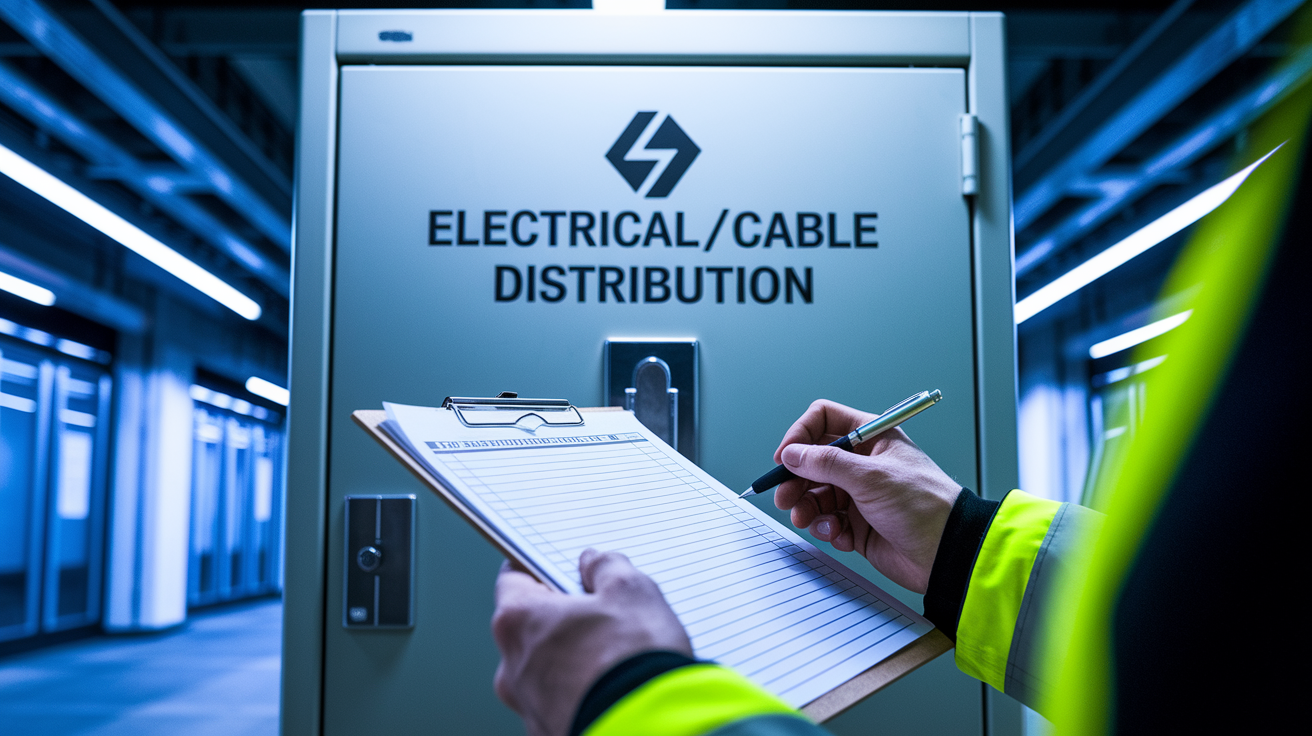
Landlords carry responsibility for maintaining building infrastructure that was in place when you moved in. That includes the coaxial cable wiring, distribution panels in common areas, and connections between the cable provider’s main line and your apartment’s outlets.
Most lease agreements specify that building systems and permanently installed fixtures fall under landlord maintenance obligations. The coax outlets and wiring behind your walls are permanently installed infrastructure, not tenant-owned equipment like your TV or modem. If the wiring system fails through normal use or building deterioration, that’s a maintenance issue for property management to handle.
Damaged wiring behind walls requiring drywall access. When signal loss or complete failure traces to cable problems inside the wall, opening drywall and running new cable requires landlord approval and restoration of wall surfaces afterward.
Problems with building’s central distribution panel or amplifier. The shared equipment in utility closets or basements that divides signal to all units is building infrastructure only property management or authorized contractors can access.
Corroded or disconnected connections in common area access points. Splitters, amplifiers, and connection blocks in locked utility spaces or exterior service boxes need building level access.
Outlet replacement when the wall plate is broken. Cracked or damaged wall plates attached to building wiring require replacement that involves building electrical or low voltage systems.
Service line issues from the street to the building. Problems with the cable provider’s main feed line, the connection where it enters the building, or the primary distribution point before individual apartment splits.
Coordination with cable company technician for building side repairs. When the cable company needs to access locked utility areas, roof mounted equipment, or building infrastructure to complete repairs, only property management has that access authority.
Submit maintenance requests through your building’s established system, typically an online portal, email, or phone number for emergency issues. Include photos showing the wall outlet, any visible damage, and screenshots of error messages on your TV or modem lights. Document the troubleshooting steps you already tried. Mention that you tested the device on another outlet, checked for loose connections, and verified your cables. This information helps maintenance staff assess whether they need to send building personnel or coordinate a cable company visit.
Reasonable response timeframe for communication related issues typically runs 24 to 48 hours for initial contact and assessment, with repair completion within a week for non-emergency situations. If internet access is essential for your work from home job or online classes, mention that in your maintenance request. Some jurisdictions consider reliable internet an essential service, which can bump up repair priority.
Your apartment lease agreement should outline these repair obligations in the maintenance or habitability section. Review that section if property management pushes back on handling coax outlet problems.
Coordinating with Your Cable Provider About Apartment Outlet Issues

Check for area outages first before scheduling service calls or assuming your outlet’s broken. Cable providers offer outage maps on their websites and mobile apps showing current service disruptions affecting multiple customers. If a neighborhood-wide outage is in progress, the problem isn’t your outlet and you’ll just waste time troubleshooting it.
Service activation creates the most common apartment coax outlet issue when moving in. The previous tenant’s service was disconnected when they moved out, which often means the cable company deactivated signal to that outlet in their system. Reactivation’s typically free. You just need to call customer service or use the provider’s app to confirm you have active service at your address and specify which outlet you’re using. The signal should return within minutes to a few hours after activation. Before assuming the outlet’s broken, confirm your account is active and that the cable company has your specific unit number correct, not just the building address.
Scheduling installation appointments for new service. First-time cable or internet setup usually runs $50 to $100 for professional installation, though many providers waive this fee during promotional periods or if you mention competitor offers.
Requesting signal testing at the outlet. If you don’t have active service yet, cable companies will test outlets for free as part of determining where to install equipment, since they need working outlets to complete installation.
Understanding the demarcation point. The cable company’s responsibility ends at the outlet or the building’s main distribution point, depending on your building’s structure and service agreements.
Damage from tenant modifications may result in charges. If you or a previous tenant cut cables, removed splitters, or altered wiring, and the cable company technician has to repair that work to restore service, expect charges of $75 to $150 for the service call.
Who pays for building infrastructure repairs depends on where the problem exists. If the cable company’s equipment or their feed line to the building has failed, they handle repairs at no cost. If the problem’s in building wiring between their demarcation point and your apartment, your landlord typically coordinates the repair. The cable company may bill the building owner for this work since it involves their system but on private property. This gets complicated in older buildings where responsibility boundaries are unclear.
Document everything from cable company technician visits. Get the technician’s name, the date, what they tested, and their findings about where the problem’s located. If they determine the issue is building wiring or that the outlet was never properly connected, that documentation protects you if property management later tries to blame tenant damage or deduct repair costs from your security deposit.
Coax Outlet Fixes: Timeframes and Cost Expectations for Apartment Dwellers
Timeline and costs vary significantly based on whether the problem’s something you broke, something that broke through normal use, or something that was never working properly. Tenant side fixes happen immediately. Landlord side repairs follow maintenance request procedures. Cable provider responses depend on service agreement terms and technician availability.
| Repair Type | Typical Timeframe | Typical Cost | Who Pays |
|---|---|---|---|
| DIY connector tightening | Immediate | $0 | Tenant |
| Cable replacement | Same day | $10-25 | Tenant |
| Landlord building wiring repair | 2-7 days | Varies | Landlord |
| Cable company service activation | 1-3 days | $0-50 | Tenant |
| Cable company building feed repair | 1-5 days | Varies | Provider/Landlord |
| Outlet replacement requiring wall work | 3-10 days | $75-200 | Landlord |
Response time depends on how maintenance request systems prioritize work orders and whether coax outlet problems affect habitability standards in your jurisdiction. Emergency maintenance usually means safety issues like gas leaks, no heat in winter, or no water. Non-working internet typically falls into routine maintenance, which has longer response windows. But if you work from home and can document that internet access is essential for your employment, some property management companies will escalate priority. Mention this when you submit your request.
Cost disputes happen when determining whether damage came from normal wear and use versus tenant negligence or modifications. A connector that worked loose over two years of normal cable movement is wear and tear. A connector you broke while rearranging furniture might be your responsibility. A wall plate that cracked because the building settled is maintenance. A wall plate you cracked by forcing an oversized connector is damage. Previous tenant actions complicate this further. If you moved in and the outlet never worked, that’s clearly not your problem. Document the outlet’s condition during your move-in walkthrough to avoid later disputes.
Temporary workarounds keep you functional while waiting for permanent repairs. If one outlet doesn’t work but another does, move your modem to the working outlet and use a longer ethernet cable or mesh Wi-Fi system to reach your workspace. If you’re dealing with a TV rather than internet, streaming services through your phone’s hotspot can work for a few days. These aren’t solutions, but they prevent complete loss of service while maintenance handles the real fix.
Preventing Future Coax Outlet Problems in Your Apartment

Test every coax outlet before you move furniture in and document the results with photos. Plug in your modem or a coax cable tester, confirm each outlet either delivers signal or doesn’t, and send those photos to yourself with a timestamp. This two-minute check creates evidence about the outlet’s condition when you took possession. If problems develop later, you’ve got proof they weren’t your fault.
Hand-tighten connectors every few months. Quick prevention check while you’re dusting or rearranging, since vibration from foot traffic and door closing gradually loosens threaded connections over time.
Use quality RG6 cable rather than cheap alternatives. Spending $15 on a proper cable beats dealing with intermittent connection problems from bargain cables that use thin shielding and poor connectors.
Avoid over-tightening connectors. Hand tight is enough. Using pliers or wrenches can strip threads and crack the plastic insulator inside the connector.
Protect outlets from furniture damage. Leave a few inches of clearance between wall plates and heavy furniture, or use corner guards if your dresser or bed frame sits close to the outlet.
Report moisture or water damage immediately. Even small amounts of water near outlets will corrode connections within weeks, so mention any ceiling stains, window leaks, or plumbing issues to maintenance right away.
Don’t modify building wiring without landlord approval. Adding splitters, running new cables, or accessing distribution panels without permission can violate your lease and make you financially responsible for professional repairs.
Label which outlets are active. Use a small label maker or piece of tape noting “works” or “no signal” on each outlet’s wall plate to save troubleshooting time when you need to connect new equipment.
Keep documentation of service calls and repairs. Save emails, work orders, and technician reports in a folder labeled with your apartment address in case of move-out deposit disputes.
Communicate with your landlord about intermittent connectivity issues before they become complete failures. A coax connection that works some days but not others is probably suffering from a loose connector, partially damaged cable, or corroded connection that will eventually fail completely. Getting it fixed during the “annoying but still functional” stage beats dealing with zero service and urgent repair timelines. Property managers appreciate tenants who report small problems before they become emergency maintenance calls.
Proper maintenance of coaxial cable connections benefits everyone. You get reliable service without surprise outages during work calls or streaming. Your landlord avoids emergency maintenance requests and can schedule repairs during normal business hours. The cable company makes fewer truck rolls to fix preventable problems. A few minutes of attention every few months keeps an apartment communication system working smoothly for years.
Final Words
A coax outlet not working in your apartment usually boils down to something you can check yourself—loose connections, damaged cables, or an outlet that needs activation.
Work through the simple fixes first. Tighten connectors, swap cables, test your modem on another outlet.
If those steps don’t restore signal, you’ve narrowed it down to building wiring or service provider issues that require help from your landlord or cable company.
Either way, you’ll know what’s happening and who needs to step in. That’s progress.
FAQ
How can you tell if a coax outlet is bad?
You can tell if a coax outlet is bad by checking for physical damage to the wall plate or F-connector, testing with a device like a modem to see if it achieves sync, or using a coax cable tester that detects signal presence in under 10 seconds with LED indicators.
How much does it cost to fix a coax outlet?
Fixing a coax outlet costs between $0 and $200 depending on the problem. DIY connector tightening is free, cable replacement runs $10 to $25, while outlet replacement requiring wall work typically costs $75 to $200 and is usually covered by your landlord.
How do you test if a coax port is live?
You can test if a coax port is live by connecting your cable modem and waiting 10 to 15 minutes to see if it syncs, or by using a coax cable tester like the DSS-01 that detects signal frequency ranges in under 10 seconds with a simple LED readout.
Can you activate a coax outlet yourself?
You cannot activate a coax outlet yourself because activation requires your cable provider to enable signal at that specific outlet. However, you can tighten loose connections, replace cables, and test for existing signal before calling your landlord or cable company for service activation.